
Check the week’s hours
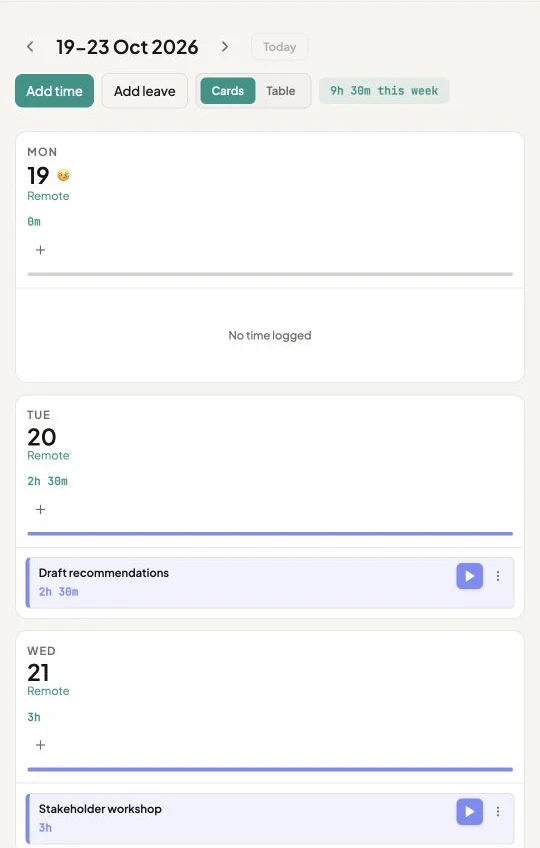
Start a timer against a client project, then review the entries and total on your weekly timesheet. Keep your TODOs alongside the work.
Scrumtime for NZ contractors and consultants
Keep timesheets, TODOs, clients, projects, invoices and receipts together. See what to set aside for NZ GST, income tax and ACC as you go.
Available on the web, iPhone and iPad.
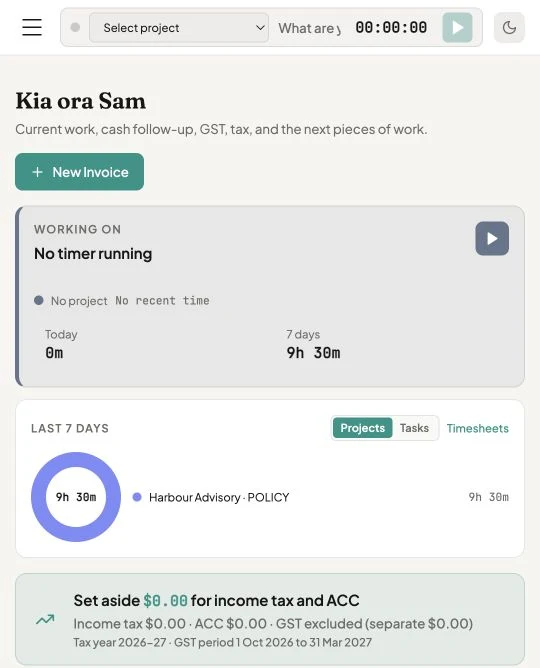
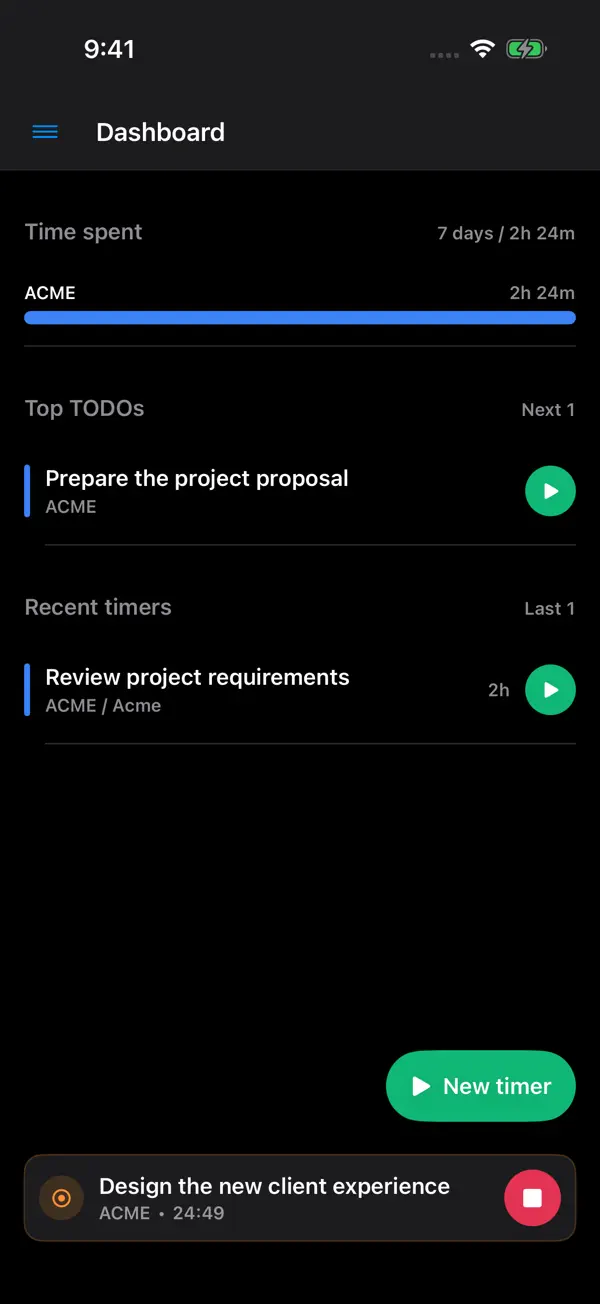
These Scrumtime screens show example work and figures.
Start a timer against a client project, then review the entries and total on your weekly timesheet. Keep your TODOs alongside the work.
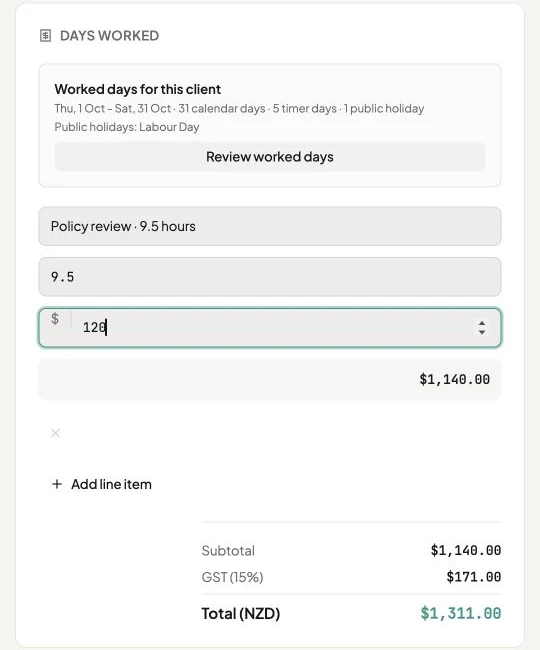
Review the days worked for a client, then check the hours, rate and GST on the invoice draft.
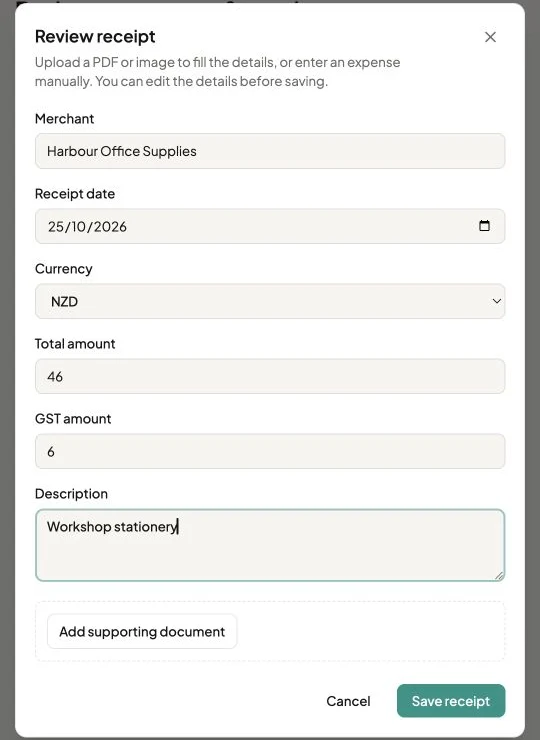
Enter the merchant, date, amount and GST for an expense. Add the supporting receipt to keep it with the entry.
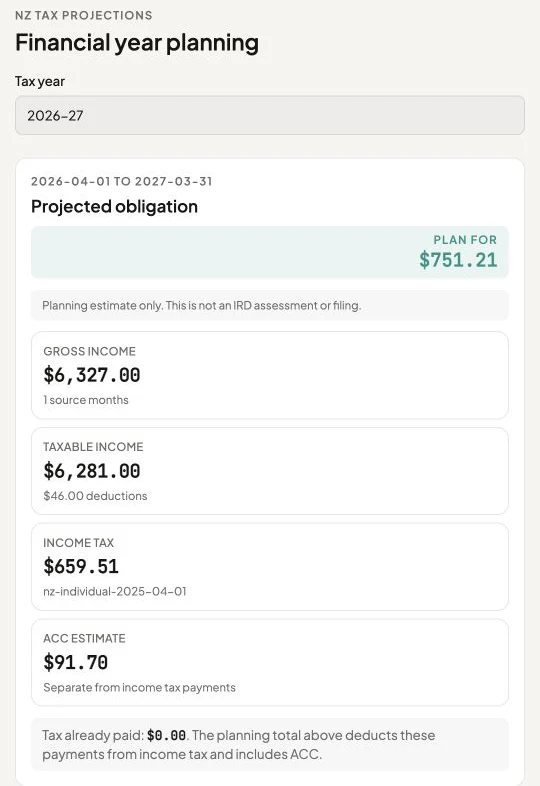
Review your GST position and see estimated income tax and ACC for the financial year. Financial figures are planning estimates only and do not constitute financial or tax advice.
Open Scrumtime in your browser, or download it for iPhone and iPad. On iPhone and iPad you can work on-device without an account, or sign in to use a separate cloud workspace.